
Adding Job Alerts sources
From Job Alerts, click Add source. Paste any supported URL; JobWhat detects the type and shows a preview before you save.
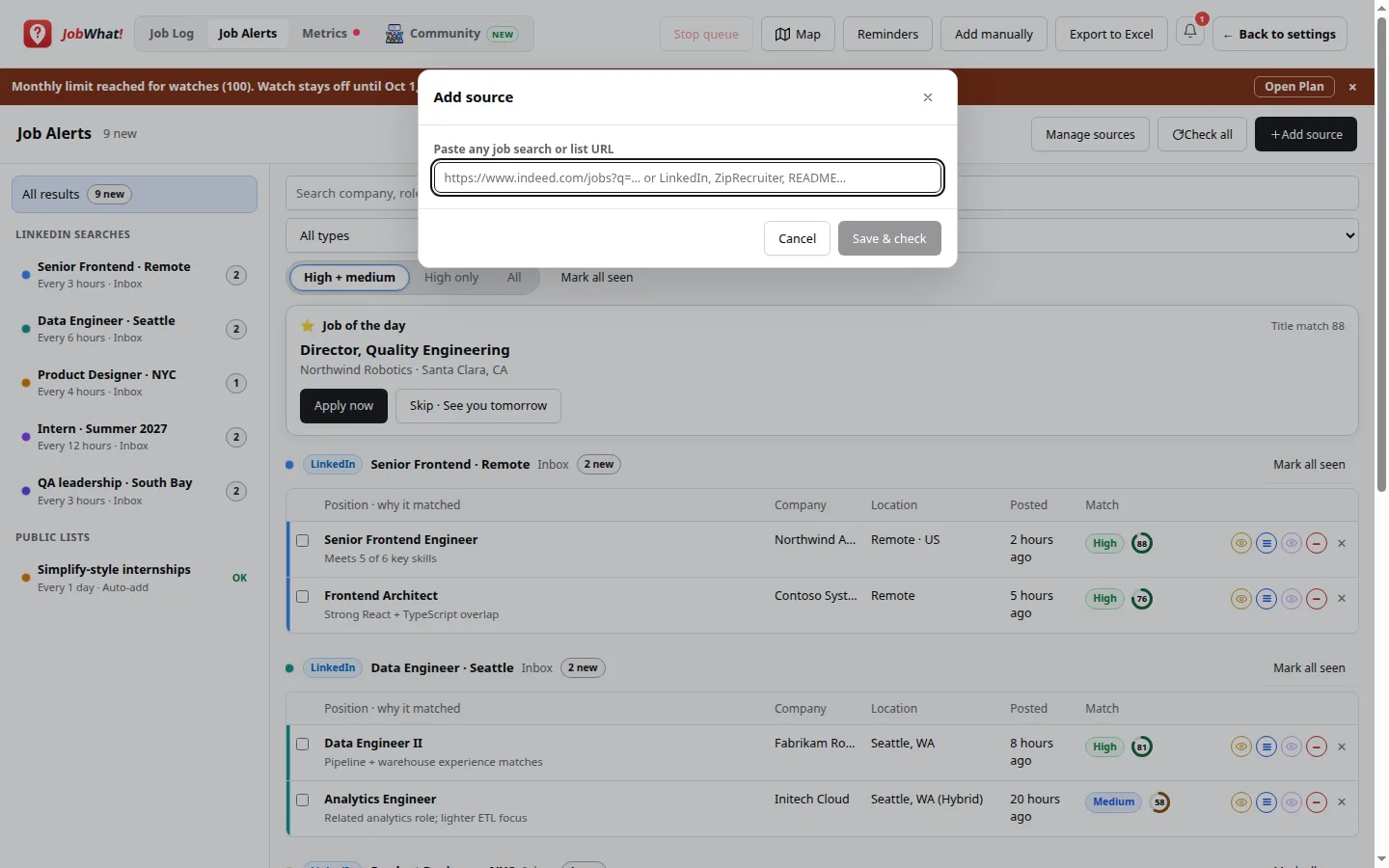
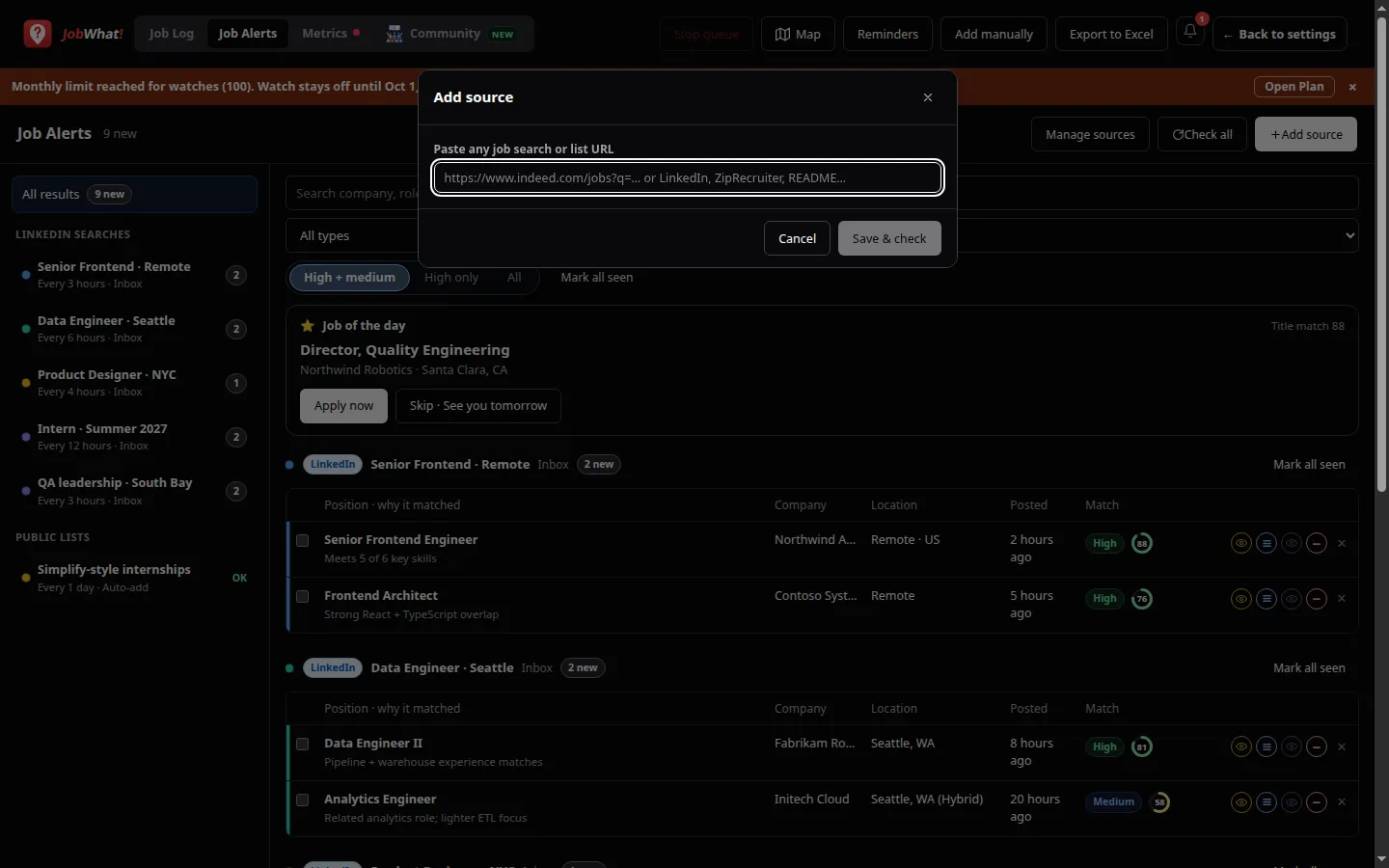
LinkedIn search URLs
Accepted:
linkedin.com/jobs/search/…linkedin.com/jobs/search-results/…(same idea — results page URL)linkedin.com/jobs/collections/…when that collection is a jobs search JobWhat can check
The URL must include at least one real criterion: keywords, location / geoId, a f_* filter, or a savedSearchId. Tracking-only parameters (currentJobId, trk, refId, …) do not count.
Rejected (with a clear error):
- A single job page (
/jobs/view/…) — open LinkedIn Jobs, run a search, copy the results URL instead - A LinkedIn URL that isn't a jobs search
- A search with no keywords, location or filters
Identical searches (after normalizing the URL) are deduped: you can't add the same alert twice. JobWhat never creates, edits or deletes alerts inside your LinkedIn account.
Default for LinkedIn sources: check every 3 hours, match rule High + medium, delivery Inbox.
Public job lists
Paste a public URL and JobWhat treats it as a list to extract:
| Kind | Examples |
|---|---|
| GitHub README | Public “hiring” / internship READMEs (e.g. community lists in the SimplifyJobs style) |
| Google Sheet | Any published sheet — column headers are detected; title / company / location / URL columns don't need fixed names |
| CSV or HTML | Public CSV downloads or HTML pages that list jobs with links |
Public lists default to check every 1 day, match rule High only, delivery Add to Job Log automatically.
Company / ATS board URLs (Greenhouse, Lever, Ashby, and similar careers boards) are detected as their own type and checked the same way.
Options before you save
| Field | Choices |
|---|---|
| Name | Editable; defaults from keywords, page title or company |
| Check every | LinkedIn: hours (1–48). Lists / boards: days (1–7) |
| Match rule | High only · High + medium · Everything (includes Low) |
| Delivery | Inbox — review in Job Alerts first · Add to Job Log automatically — survivors land as Watching in the Job Log |
A footer line reminds you: Quick AI match · doesn't use your AI scans.
Save & check runs the first check immediately, shows progress, then a dismissible summary. After you dismiss it with OK, the new source is selected in the left rail.
Manage sources
Manage sources lists every source with interval, match rule, delivery, health, last check and new count. From there you can Check now, Pause / Resume, or Remove.
Sources with errors show a tip on the Error badge and a Copy control for the full error details (useful for feedback).