
Checking Job Alerts & the inbox
Check due / Check now
- Check due (top bar) runs every source that's due for its interval.
- Check now on a source (Manage sources, or the rail) runs that source immediately.
While a check runs you see a progress modal with a live log of steps such as fetch → find jobs → Match (Quick AI match) → dedupe → deliver. When the check finishes, the modal stays open with a summary you dismiss with OK (or Esc / Enter).
Summary rows
| Row | Meaning |
|---|---|
| Fetched | Jobs actually returned from the source |
| New | On lists/searches with a prior baseline: new since the last check (master-list delta) |
| Matched | Titles checked today, how many went to résumé scoring, title filters, or the daily Quick AI match limit |
| Deduped | Already in Job Log, already seen, hidden, buried, closed, … |
| Delivered | New in Inbox and/or added to Job Log as Watching, plus High / Medium / Low counts |
| Error | Stage and message when something failed |
If today's Quick AI match allowance ran out mid-check, the summary includes a notice (Upgrade on Free, or buy the $10 AI scan pack on Pro for 2× daily Quick AI match while pack scans remain). Remaining list jobs continue on later checks.
Inbox layout
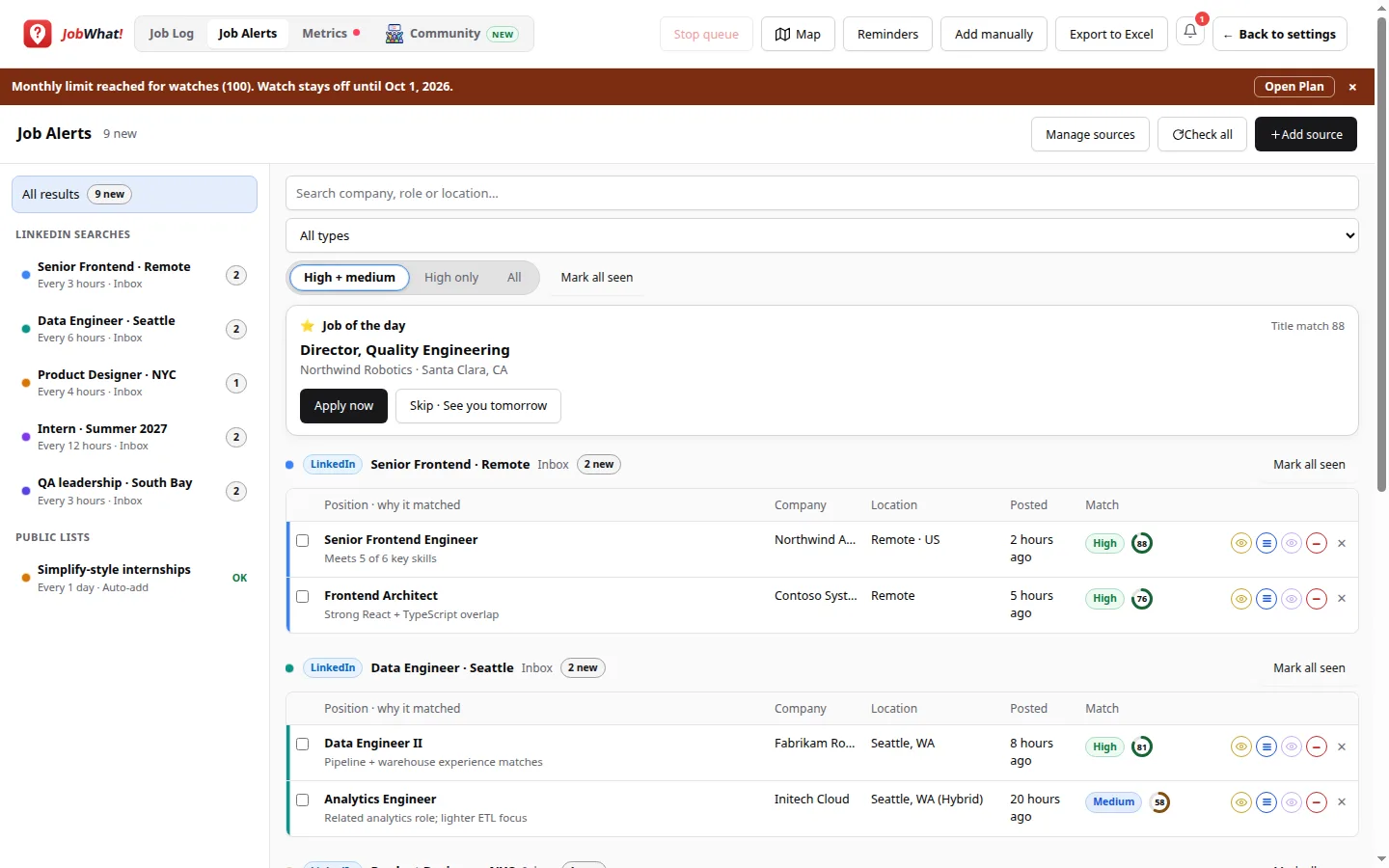
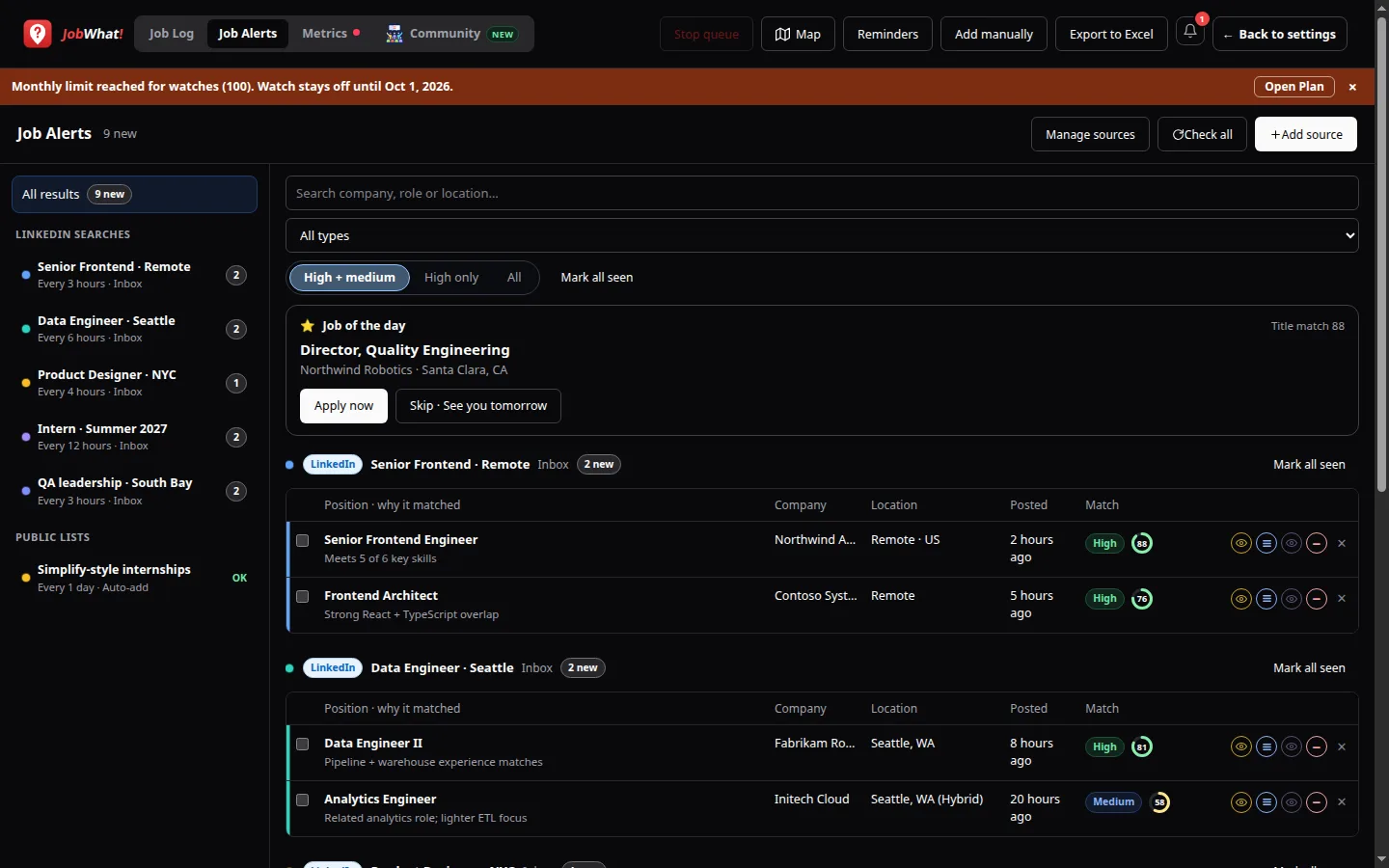
| Area | What it shows |
|---|---|
| Left rail | All sources, plus each source with new counts, delivery short label, Error + Copy when needed |
| Main list | Jobs for the selected source (or all), with match chips and AI score dial when scored |
| Filters | High + medium · High only · All, and optional “new” focus |
| Pager | 100 rows per page (same pattern as the Job Log) |
Peek skipped opens jobs that were filtered as low match, already in your log, already from another source, or missing a careers link.
Row actions
Each inbox row uses the same icon actions as elsewhere in JobWhat:
| Action | Effect |
|---|---|
| View | Opens the posting; marks it viewed |
| Hide | Hides it (counts against the Hides meter when applicable) |
| Queue | Adds it to the apply queue |
| Watch | Saves it to the Job Log as Watching |
When Quick AI match has scored the role, a numeric AI score dial appears on the row. Full Recommendation analysis from the job page still uses one monthly AI scan.
Delivery reminder
| Mode | Where jobs land |
|---|---|
| Inbox | Stay here until you View / Watch / Queue / Hide |
| Add to Job Log automatically | Survivors appear in the Job Log as Watching (with a source badge); skipped stay peekable |
Daily Quick AI match
Job Alerts scoring shares the Quick AI match daily pool with the quick résumé score on job boards:
- Free: 100 / day
- Trial and Pro: 300 / day
- Resets at UTC midnight
- Does not spend AI scans
- Paid Pro with remaining $10 pack credits: 2× daily Quick AI match while pack scans remain
- Creator-code bonus Quick AI matches can cover further matches after today's base is full
Large public lists are walked fully over time: each day matches another batch within the remaining daily allowance until the list is caught up.